The Cheapest Places to Visit in America: Ultimate Budget-Friendly Destinations for 2025

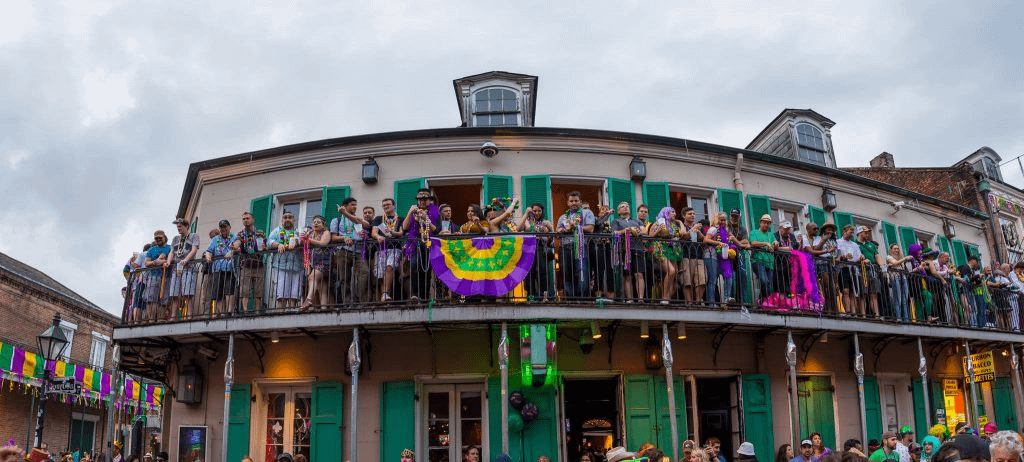
America offers incredible travel experiences that won’t drain your savings account. This guide reveals the cheapest places to visit in America and shows budget-conscious travelers how to explore the country without overspending.https://www.mindviewmagazine.com/
Perfect for college students, young professionals, families on tight budgets, and anyone who believes great adventures shouldn’t cost a fortune. You’ll discover proven strategies to cut travel costs while still having amazing experiences across the United States.
We’ll explore budget-friendly cities United States travelers love, from vibrant college towns to charming small communities where your dollar stretches further. You’ll also learn about affordable national parks America offers, including lesser-known gems that rival famous destinations at a fraction of the cost. Plus, we’ll share accommodation hacks and dining strategies that can cut your trip expenses in half.
Ready to plan your next cheap travel USA 2025 adventure? Let’s dive into the most affordable vacation spots America has waiting for you.
Top Budget-Friendly Cities That Won’t Break Your Bank

Memphis, Tennessee – Music and BBQ Under $50 Daily
Memphis delivers authentic Southern charm without the hefty price tag found in other major American cities. Daily budgets of $40-50 can easily cover accommodation, meals, and entertainment when you know where to look. The city’s rich musical heritage comes alive on Beale Street, where many venues offer free live performances, especially during weekday evenings.
Budget-savvy travelers can explore Sun Studio for just $14, the birthplace of rock ‘n’ roll where Elvis, Johnny Cash, and Jerry Lee Lewis recorded their early hits. The National Civil Rights Museum, housed in the former Lorraine Motel, charges $17 for adults but offers free admission for Tennessee residents on certain days.
Food costs stay remarkably low thanks to Memphis’s legendary barbecue joints. Gus’s World Famous Fried Chicken serves massive portions for under $12, while Central BBQ offers pulled pork sandwiches for around $8. Food trucks throughout the city provide authentic Memphis cuisine for $5-10 per meal.
Free activities include walking the Mississippi Riverfront, exploring Overton Park, and catching outdoor concerts at various venues during summer months. Budget accommodations like hostels and motels range from $25-45 per night, making Memphis one of the most affordable major cities for budget travel in America.
Kansas City, Missouri – Jazz Heritage and Affordable Eats
Kansas City stands out among budget-friendly cities United States for its incredible jazz scene and surprisingly low costs. Daily expenses rarely exceed $45 when planned strategically, making it perfect for extended stays without financial stress.
The 18th & Vine Jazz District offers free outdoor performances during warmer months, while the American Jazz Museum charges only $10 for adults. Many clubs in the Crossroads Arts District feature no cover charges on weeknights, letting you experience world-class jazz without spending a fortune.
Kansas City’s barbecue scene rivals Memphis but costs significantly less than comparable food scenes in coastal cities. LC’s Bar-B-Q serves massive platters for $12-15, while local favorites like Arthur Bryant’s offer full meals under $10. The city’s food trucks provide diverse options from $6-12 per meal.
Budget accommodations cluster around the downtown area, with clean, safe options available for $30-50 nightly. Free activities include exploring the Crown Center, walking through Union Station’s grand architecture, and visiting the free sections of various museums. The city’s compact size makes walking feasible for most attractions, eliminating transportation costs between many destinations.
Buffalo, New York – Cultural Attractions Without the NYC Prices
Buffalo proves that New York doesn’t have to drain your wallet. This revitalized city offers world-class attractions at prices that seem almost impossible compared to New York City’s expensive tourism scene. Daily budgets of $45-55 provide comfortable experiences without sacrificing quality.
The Albright-Knox Art Gallery showcases impressive collections for just $12, while the Buffalo Museum of Science charges $14 for adults. Architecture enthusiasts can take free walking tours of Frank Lloyd Wright’s Darwin D. Martin House complex grounds, though interior tours cost extra.
Food costs remain refreshingly reasonable throughout Buffalo. The city’s famous wing culture means authentic Buffalo wings cost $8-12 at legendary spots like Anchor Bar. Local diners serve hearty breakfast specials for $6-9, while ethnic neighborhoods offer diverse dining options under $15 per meal.
Accommodation deals flourish downtown, with many hotels offering rooms for $40-70 per night, especially during off-peak seasons. Free activities include exploring Canalside waterfront, walking through Delaware Park, and attending various festivals throughout summer months. The city’s walkable downtown core and reliable public transit keep transportation costs minimal for most tourist activities.
Indianapolis, Indiana – Racing Thrills and Museum Adventures
Indianapolis combines Midwestern affordability with surprising cultural depth, making it one of America’s best-kept budget travel secrets. Racing fans and families can enjoy full days for $40-50 per person, including meals and major attractions.
The Indianapolis Motor Speedway Museum offers racing history for $12, while track tours add just $6 more. The Children’s Museum of Indianapolis, despite being world-renowned, charges only $20 for adults and frequently offers discount days. Cultural attractions like the Indiana State Museum cost $12 for adults but provide hours of entertainment.
Local food scenes revolve around comfort cuisine at comfortable prices. St. Elmo Steak House serves their famous shrimp cocktail for reasonable prices, while local favorites like Shapiro’s Delicatessen offer massive sandwiches for $10-14. Food halls throughout the city provide diverse options from $7-13 per meal.
Budget accommodations flourish near the airport and downtown, with many options between $35-60 nightly. Free activities include exploring the Indianapolis Cultural Trail, a world-class bike and walking path connecting neighborhoods, visiting various parks, and attending outdoor concerts during racing season. The city’s extensive bus system costs just $1 per ride, making transportation between attractions incredibly affordable for budget-conscious travelers.
Hidden Gem Small Towns with Big Savings
Asheville, North Carolina – Mountain Views and Craft Beer Deals
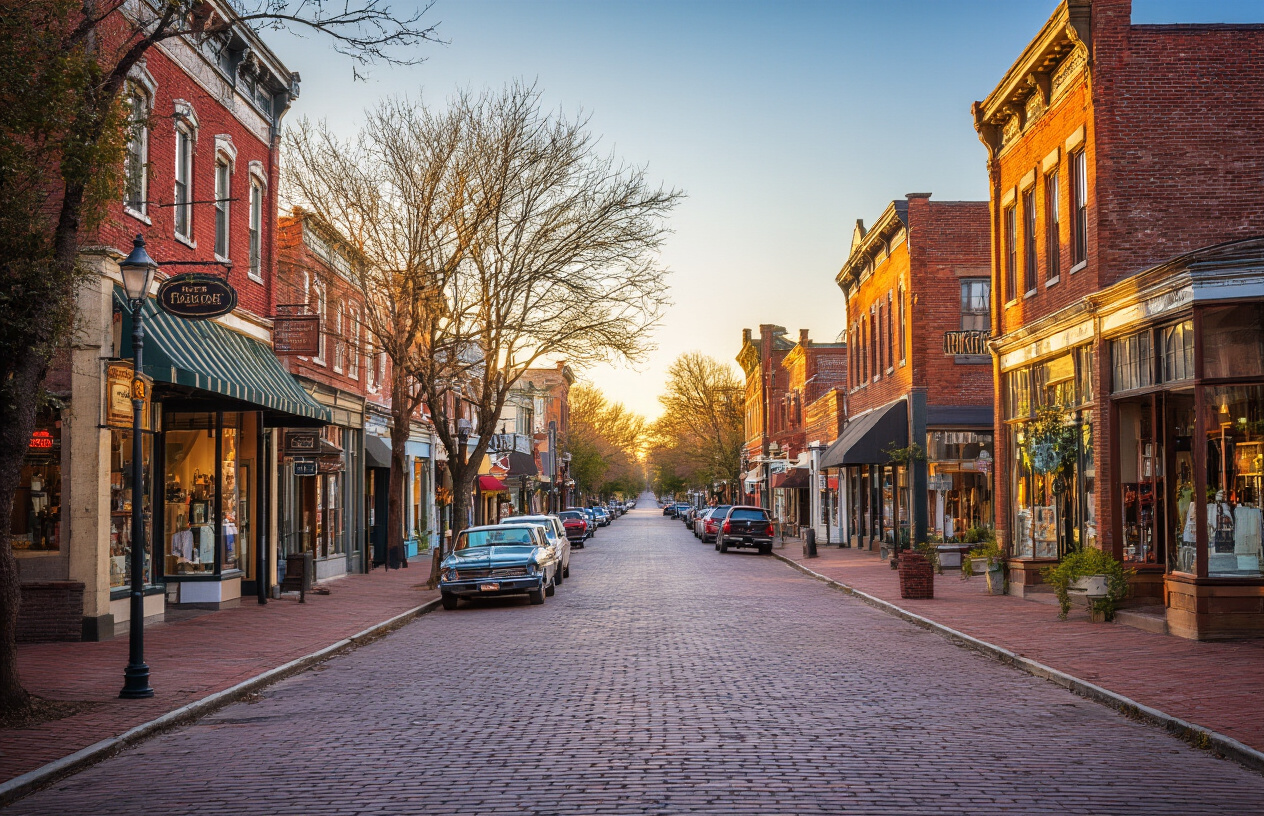
Nestled in the Blue Ridge Mountains, Asheville delivers stunning scenery without the hefty price tag of more popular mountain destinations. This vibrant city offers some of the cheapest places to visit in America for outdoor enthusiasts and culture seekers alike. Free hiking trails like the Botanical Gardens at Asheville and Carrier Park provide hours of entertainment, while downtown’s art scene thrives with free gallery walks on the first Friday of every month.
The craft beer scene here is legendary, and many breweries offer affordable tastings and tours. Highland Brewing Company hosts free brewery tours with samples, while Green Man Brewing’s happy hour features $3 pints. Food trucks throughout the city serve hearty meals for under $10, and the farmers market on Saturday mornings showcases local produce at budget-friendly prices.
Accommodation costs stay reasonable with numerous hostels, budget motels, and camping options. The Blue Ridge Parkway camping areas offer sites for as low as $20 per night, putting you right in nature’s backyard. Downtown parking meters cost just $1 per hour, making it easy to explore the River Arts District and historic architecture without breaking the bank.
Hot Springs, Arkansas – Natural Spas and Historic Charm
Hot Springs National Park stands as America’s original spa destination, where thermal springs have been drawing visitors since the 1800s. What makes this one of the most budget-friendly cities United States travelers can explore is the completely free access to the national park grounds and hiking trails. The Grand Promenade and Hot Springs Mountain Tower offer spectacular views at no cost.
While the historic Bathhouse Row includes some upscale spas, you can still experience the famous thermal waters affordably. Quapaw Baths & Spa offers day passes starting at $45, and locals know about the free thermal spring fountains throughout downtown where you can fill water bottles with the same mineral-rich water served at expensive spas.
The city’s compact size means walking everywhere is totally doable, saving on transportation costs. Local diners serve comfort food portions that easily split into two meals, and camping at Lake Ouachita State Park (just 30 minutes away) costs only $14 per night. Garvan Woodland Gardens offers discounted admission for Arkansas residents, and many antique shops along Central Avenue provide free browsing entertainment.
Eureka Springs, Arkansas – Victorian Architecture on a Dime
This quirky Victorian village perched on mountainside bluffs proves you don’t need big city budgets to experience affordable vacation spots America has to offer. The entire downtown area functions as a free outdoor museum, with winding streets showcasing over 200 Victorian buildings. Self-guided walking tours cost nothing but shoe leather, and the town’s unique layout means every corner reveals new architectural treasures.
The famous Christ of the Ozarks statue stands 67 feet tall and offers free viewing, while Thorncrown Chapel (featured in architectural magazines worldwide) charges no admission for self-guided visits. Blue Spring Heritage Center provides affordable family fun with clear spring swimming and historic demonstrations for under $15 per person.
Local lodging includes charming bed-and-breakfasts starting around $70 per night, but camping at nearby Beaver Lake costs just $20. The town’s compact size eliminates the need for rental cars – everything sits within walking distance. Street performers and local musicians provide free entertainment most evenings, and many shops offer free wine tastings. Monday through Thursday, several restaurants offer “local night” specials with entrées under $12, making this mountain retreat surprisingly accessible for budget travelers.
National Parks and Outdoor Adventures for Less
Great Smoky Mountains – Free Entry and Budget Camping
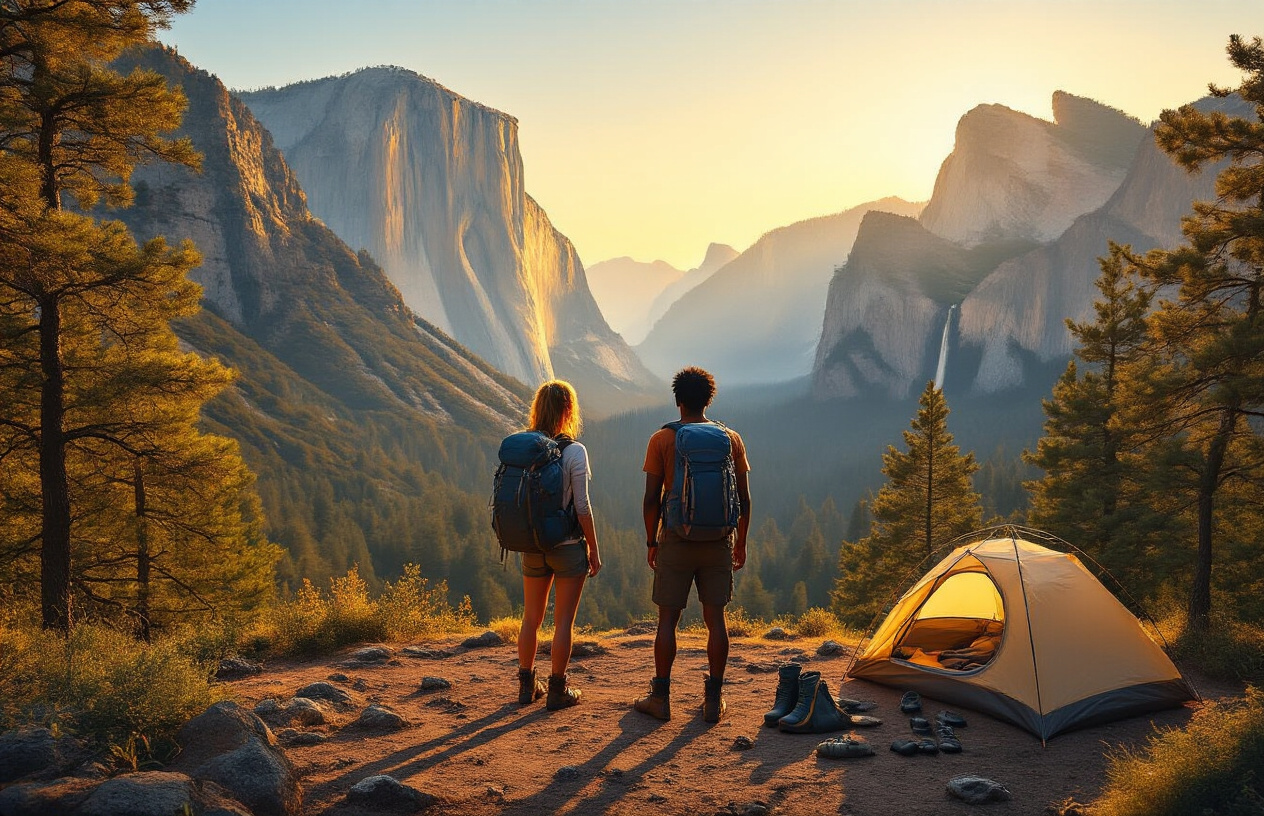
The Great Smoky Mountains stands out as America’s most visited national park, and here’s the best part – there’s no entrance fee. This makes it one of the cheapest places to visit in America for nature lovers. The park straddles Tennessee and North Carolina, offering 522,000 acres of pristine wilderness without charging a penny for access.
Budget camping options abound throughout the park. Elkmont Campground provides sites for just $25 per night, while backcountry camping permits cost only $4 per person per night. Cosby Campground offers an even more secluded experience at the same rates. For the ultimate budget travel destinations USA experience, consider primitive camping in designated backcountry sites where you’ll pay less than most people spend on a single meal.
The park’s 800+ miles of hiking trails range from easy nature walks to challenging mountain climbs. Popular free activities include waterfall hunting at Laurel Falls, wildlife spotting in Cades Cove, and exploring historic cabins scattered throughout the park. During peak seasons, arrive early to secure parking at popular trailheads.
Ozark National Scenic Riverways – Water Activities Under $30
Missouri’s Ozark National Scenic Riverways encompasses the Current and Jacks Fork Rivers, creating a water paradise that won’t drain your wallet. Canoe rentals typically cost $20-30 per day, making this one of the most affordable vacation spots America has to offer for water enthusiasts.
The crystal-clear spring-fed rivers maintain comfortable temperatures year-round, perfect for swimming, fishing, and floating. Big Spring, one of the largest springs in the United States, pumps out 286 million gallons daily and creates spectacular scenery that costs nothing to enjoy. Camping at riverside sites runs $10-15 per night at locations like Alley Spring or Round Spring.
Fishing licenses for non-residents cost around $12 for a daily permit, giving you access to smallmouth bass, rainbow trout, and other species. The park’s numerous hiking trails connect historic mills, caves, and overlooks. Round Spring Cave offers guided tours for under $10, while self-guided nature trails provide free exploration opportunities.
Badlands National Park – Stunning Landscapes at Low Cost
South Dakota’s Badlands National Park delivers otherworldly landscapes at budget-friendly prices. The $30 weekly vehicle pass grants access to 244,000 acres of layered rock formations, fossil beds, and mixed-grass prairie. For cheap travel USA 2025 adventures, this park offers incredible photographic opportunities and geological wonders.
Cedar Pass Campground provides developed camping for $30 per night, while Sage Creek Campground offers primitive camping completely free of charge. The latter sits in a remote area where bison and bighorn sheep roam freely, creating an authentic wilderness experience without the typical costs.
The park’s scenic drive covers 31 miles of paved roads with numerous pullouts and short hiking trails. The Fossil Exhibit Trail and Door Trail each take less than an hour to complete and showcase the area’s paleontological significance. Longer hikes like the Notch Trail lead to spectacular viewpoints overlooking the White River Valley.
Budget travelers can explore nearby Wall Drug Store, a famous roadside attraction offering free ice water and inexpensive American destinations souvenirs. The town of Wall provides affordable lodging options and restaurants serving classic American fare.
Hot Springs National Park – Free Thermal Baths and Hiking
Arkansas’s Hot Springs National Park, established in 1832, offers the unique combination of urban amenities and natural wonders. The park sits within Hot Springs city limits, making it easily accessible and surprisingly budget-friendly cities United States experience.
The historic Bathhouse Row features eight bathhouses from the early 1900s, with Quapaw Baths & Spa offering thermal experiences starting at $20 for basic soaking. However, you can enjoy the natural hot springs for free at several locations, including the Hot Springs Creek area and various fountains throughout the park where you can fill containers with the famous 143-degree thermal water.
Twenty-six miles of hiking trails wind through the Ouachita Mountains surrounding the city. The Grand Promenade, a brick-lined walkway behind Bathhouse Row, provides easy access to scenic overlooks and costs nothing to explore. Hot Springs Mountain Trail leads to a tower offering panoramic views of the Ouachita Valley.
The park’s location within the city means easy access to affordable national parks America adventures combined with urban conveniences. Downtown Hot Springs features numerous budget dining options, antique shops, and free entertainment venues. Many hotels offer competitive rates, especially during off-season months.
| Park | Entry Fee | Camping Cost | Best Budget Activity |
|---|---|---|---|
| Great Smoky Mountains | Free | $25/night | Waterfall hiking |
| Ozark Riverways | Free | $10-15/night | River floating |
| Badlands | $30/week | Free-$30/night | Scenic drive |
| Hot Springs | Free | N/A | Thermal spring sampling |
Money-Saving Transportation Options Across America
Budget Airlines and Flight Deals for 2025
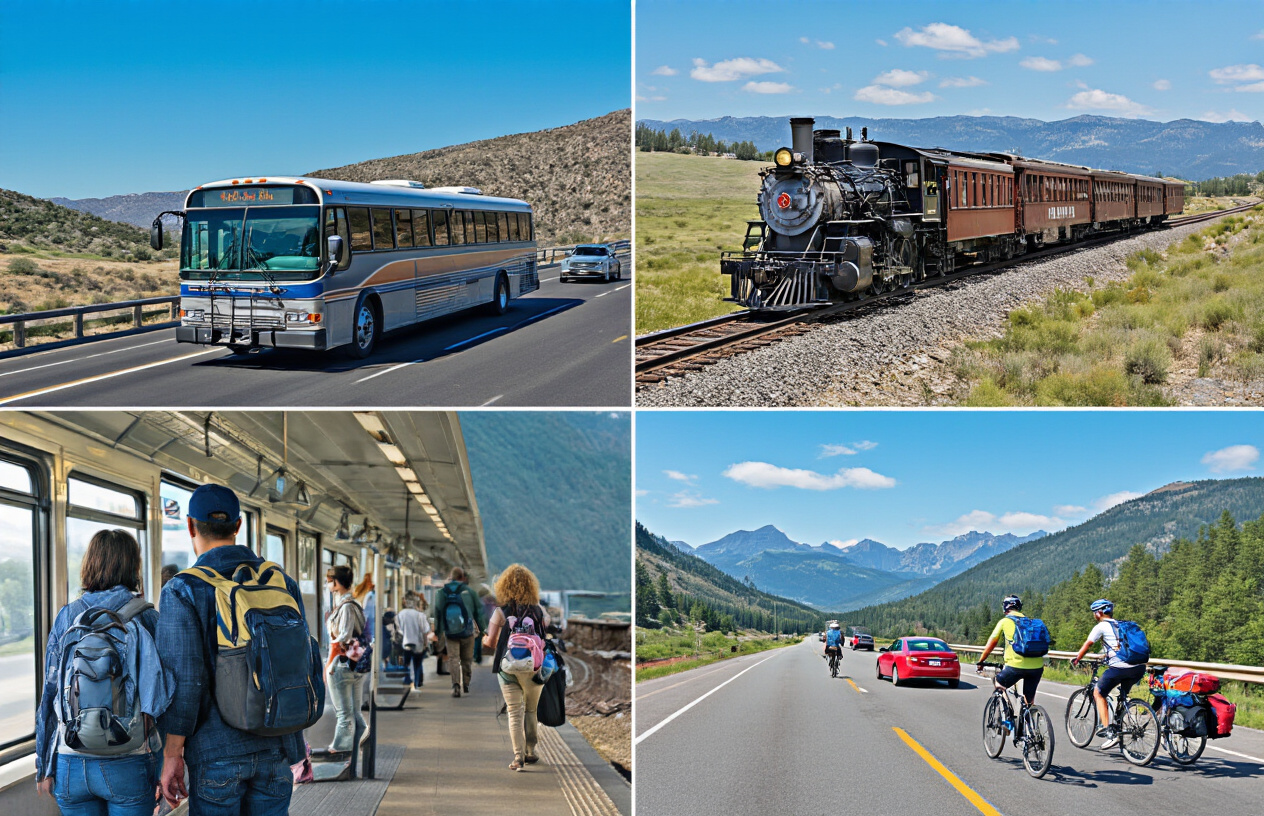
Spirit, Frontier, and Allegiant continue to dominate the cheap travel USA 2025 market with base fares as low as $29 one-way. These ultra-low-cost carriers serve major budget-friendly cities United States including Las Vegas, Orlando, Denver, and Phoenix. Book flights 6-8 weeks in advance for domestic routes to snag the best deals.
Southwest’s two free checked bags policy often makes them competitive despite higher base fares. Their route network connects most affordable vacation spots America without the nickel-and-dime fees. Sign up for their Rapid Rewards program – points never expire and companion passes can cut costs in half.
Tuesday and Wednesday departures typically cost 15-20% less than weekend flights. Use Google Flights’ calendar view to spot price drops across entire months. Set up price alerts for your target inexpensive American destinations and be ready to book when fares drop.
Consider flying into secondary airports like Oakland instead of San Francisco or Midway instead of O’Hare. The savings often exceed ground transportation costs to reach your final destination.
Greyhound and Megabus Routes to Cheap Destinations
Greyhound connects over 3,800 destinations across America, making it perfect for reaching budget road trip destinations without a car. Their DiscoverPass offers unlimited travel for 7, 15, or 30 days starting at $199. Popular routes between cheapest places to visit in America like Austin to New Orleans cost around $45-65.
Megabus focuses on major metropolitan routes with fares starting at $1 (plus booking fees). Their double-decker buses serve routes connecting budget hotspots like Chicago to Milwaukee, New York to Philadelphia, and Los Angeles to Las Vegas. Book early – prices increase as departure dates approach.
FlixBus has expanded rapidly across the U.S., offering competitive pricing and newer vehicles. Their app frequently features flash sales with 20-50% discounts on select routes.
Both companies offer student discounts and senior pricing. Traveling overnight saves on accommodation costs, though comfort levels vary significantly between carriers and routes.
Road Trip Strategies That Cut Gas and Lodging Costs
GasBuddy’s app reveals the cheapest fuel stops along your route to low cost travel America destinations. Costco and Sam’s Club consistently offer gas 10-15 cents below average, making membership worthwhile for long trips. Grocery store fuel rewards programs can stack additional savings.
Plan routes using apps like Roadtrippers to identify free camping spots, state parks with affordable cabins, and budget travel destinations USA with multiple attractions clustered together. Splitting driving duties with travel companions cuts individual gas costs while making long distances more manageable.
Pack a cooler with groceries instead of relying on expensive highway food. Many state welcome centers offer free coffee, clean restrooms, and local attraction coupons. Rest stops with picnic areas provide scenic lunch spots without restaurant markups.
Consider one-way car rentals to affordable national parks America during peak season when flights are expensive. Companies like Turo offer peer-to-peer car sharing at rates often 30-40% below traditional rental agencies, especially for longer trips exceeding a week.
Accommodation Hacks That Slash Your Hotel Bills
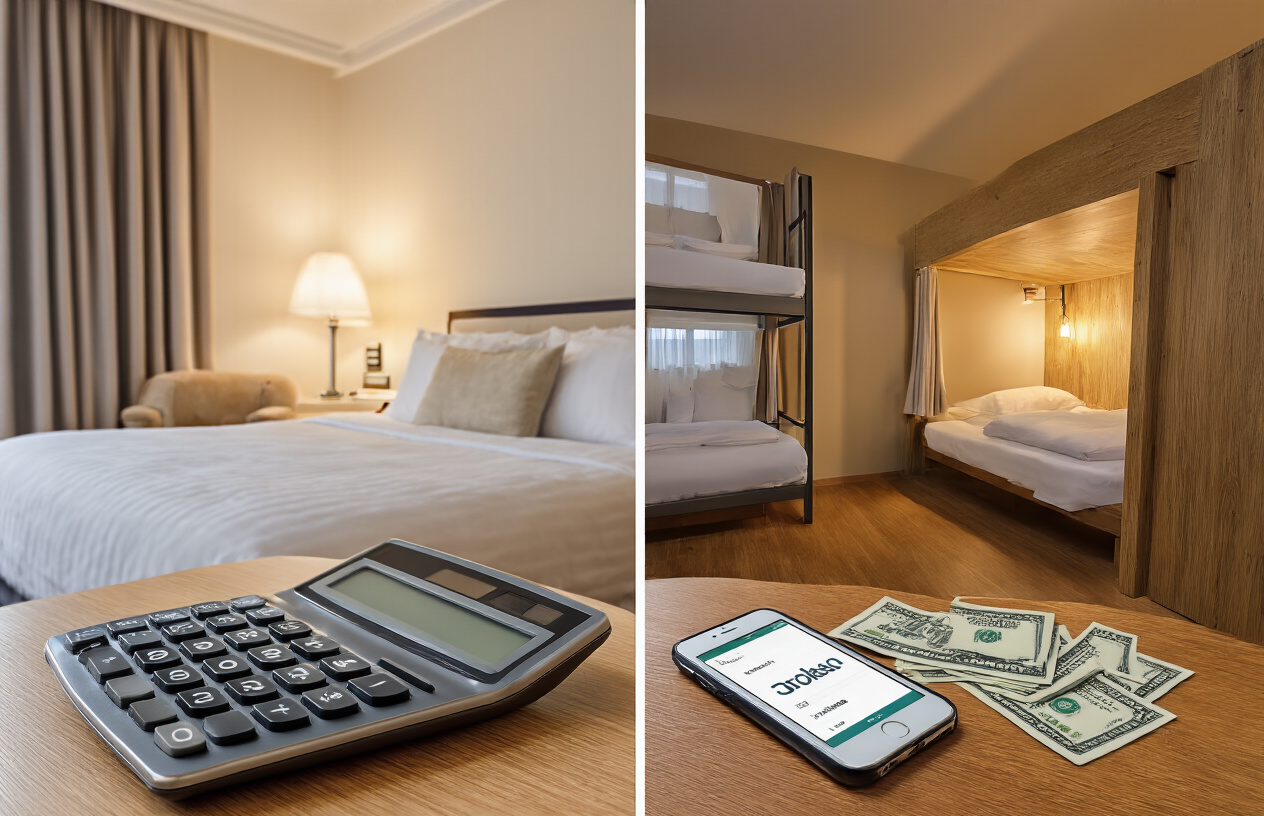
Hostels in Major Cities Starting at $25 Per Night
Hostels have evolved far beyond their reputation as cramped backpacker havens. Today’s American hostels offer clean, safe, and surprisingly comfortable accommodations that can cut your lodging costs by 60-80% compared to traditional hotels. In cities like New York, San Francisco, and Chicago, you’ll find modern hostels with private rooms starting around $50-75 per night, while dorm beds run as low as $25-35.
The HI USA network operates some of the best budget-friendly options, with locations in prime areas like Manhattan’s Upper West Side and downtown San Francisco. Many feature amenities like free Wi-Fi, communal kitchens, luggage storage, and organized activities that help you connect with fellow travelers while exploring these expensive cities on a shoestring budget.
Pro tip: Book directly through hostel websites rather than third-party platforms to avoid booking fees. Many hostels also offer weekly discounts if you’re planning an extended stay in one of America’s pricier destinations.
State Park Cabins and Camping Under $40
State parks across America offer some of the best-kept secrets for affordable accommodation. While national parks often command premium prices, state park cabins typically range from $25-40 per night, making them perfect for budget road trip destinations.
Texas State Parks lead the pack with rustic cabins starting at $25, while California’s state park cabins average $35-50 per night. These accommodations often include basic amenities like beds, heating, and sometimes small kitchens, providing comfort without the hotel price tag.
Camping remains the ultimate budget option, with most state park campsites costing $15-25 per night. States like Tennessee, Kentucky, and Arkansas offer particularly affordable camping with sites often including picnic tables, fire rings, and access to shower facilities.
| State | Cabin Price Range | Camping Price Range |
|---|---|---|
| Texas | $25-35/night | $12-20/night |
| California | $35-50/night | $20-35/night |
| Tennessee | $30-45/night | $15-25/night |
| Arkansas | $25-40/night | $12-18/night |
House-Sitting and Home Exchanges for Free Stays
House-sitting has become a game-changer for travelers seeking free accommodation while exploring inexpensive American destinations. Platforms like TrustedHousesitters, Nomador, and HouseSitters America connect travelers with homeowners who need pet care or house supervision during their absence.
The process is straightforward: create a profile highlighting your reliability and any pet care experience, then apply for sits that match your travel dates. Popular house-sitting destinations include suburbs around major cities, where homeowners frequently travel for business or vacation. You’ll often find opportunities in areas just outside expensive cities like Seattle, Portland, or Denver, giving you affordable access to urban attractions while staying in comfortable homes for free.
Home exchanges through platforms like HomeExchange or Love Home Swap offer another cost-free option. You list your own home and swap with families in your desired destinations. This works especially well for families or groups traveling together, as you get entire homes with full kitchens and multiple bedrooms.
Off-Season Booking Strategies for Maximum Savings
Timing your travels during shoulder or off-seasons can slash accommodation costs by 40-70% in many of America’s most popular destinations. Beach towns along the Atlantic and Pacific coasts see dramatic price drops from October through March, while mountain destinations offer significant savings during spring and fall.
The key to off-season savings lies in understanding regional patterns. Florida’s Gulf Coast hits peak prices from December through April, but offers incredible deals from May through November (despite the heat and hurricane season). Similarly, Colorado ski towns that charge $300+ per night in winter drop to $80-120 during summer months.
Book accommodations 2-3 months in advance for the best off-season rates, but also monitor prices closer to your travel dates. Hotels often slash prices further when occupancy looks low. Sign up for price alerts on booking platforms and consider flexible date searches to find the cheapest windows within your preferred travel period.
Last-minute booking apps like HotelTonight specialize in filling empty rooms at steep discounts, though this strategy works best for spontaneous travelers who can adjust their plans based on available deals.
Free and Low-Cost Activities in Every Region
Museums with Free Days and Student Discounts
Many of America’s world-class museums offer incredible opportunities to explore culture and history without spending a fortune. The Smithsonian Institution in Washington, D.C. provides completely free admission to all 17 museums year-round, making it one of the best budget travel destinations USA has to offer. The National Museum of Natural History, Air and Space Museum, and American History Museum alone could fill several days of affordable exploration.
Major cities across the country host “Free Museum Days” throughout the year. The Metropolitan Museum of Art in New York suggests a donation but allows pay-what-you-wish admission for New York residents. Chicago’s museums participate in “Museums Free for Residents” programs, while many California institutions offer Bank of America cardholders free admission on specific weekends.
Student discounts slash admission costs dramatically. Always carry your student ID when traveling – even expired ones sometimes work. The Museum of Modern Art in New York offers free admission to students, and many smaller regional museums provide 50-75% discounts. Community colleges often issue student IDs for minimal fees, making this hack accessible to budget travelers of all ages.
Research local university museums too. College campuses frequently house excellent art galleries, natural history collections, and specialty exhibits that welcome public visitors free or for nominal fees.
Walking Tours and Self-Guided City Explorations
Free walking tours have revolutionized urban exploration in cheapest places to visit in America. Cities like Boston, San Francisco, Philadelphia, and New Orleans offer exceptional free tours led by knowledgeable local guides who work primarily for tips. These tours typically last 2-3 hours and cover major historical sites, architectural highlights, and insider neighborhood secrets.
Download apps like GPSmyCity, Detour, or city-specific audio guides that transform your smartphone into a personal tour guide. Many tourism boards provide free downloadable walking maps with QR codes linking to audio explanations of landmarks. The Freedom Trail in Boston, the Hollywood Walk of Fame in Los Angeles, and the French Quarter in New Orleans all offer excellent self-guided experiences.
Create your own photo scavenger hunts using Instagram location tags and Pinterest inspiration boards. This gamifies city exploration while keeping costs near zero. Public libraries often stock free walking tour brochures and historical society materials that provide rich background information for DIY adventures.
Consider themed walks like street art tours in Wynwood, Miami, or architectural explorations in Chicago’s Loop district. These focused approaches help you dive deeper into specific interests while maintaining your budget travel goals.
Beach Access Points Without Resort Fees
America’s coastlines offer countless budget-friendly beach experiences once you know where to look. State parks provide some of the most affordable ocean access, typically charging $5-15 per vehicle for full-day parking and beach use. Florida’s state parks like Anastasia State Park and Bahia Honda State Park offer pristine beaches without the resort markup.
Public beach access points exist even in upscale coastal areas. In the Hamptons, Coopers Beach charges non-residents but nearby Sagg Main Beach offers free parking and access. California’s Highway 1 features numerous pullouts and state beaches with minimal fees. Pfeiffer Beach, while requiring a short hike, provides dramatic purple sand experiences for just a small parking fee.
Research municipal beaches in smaller coastal towns where parking stays free and amenities like restrooms and picnic tables come standard. Gulf Shores, Alabama, and Virginia Beach offer miles of public sand without hefty entrance fees.
Pack your own shade, snacks, and entertainment to avoid inflated beachside vendors. Many public beaches allow grilling and camping, extending your affordable vacation time. Check local fishing piers too – they often provide beach access and entertainment for minimal daily fees.
Local Festivals and Community Events
Community festivals represent some of the most authentic and inexpensive American destinations for cultural immersion. Small towns across America host seasonal celebrations that welcome visitors with open arms and minimal costs. Apple festivals in Vermont, peach festivals in Georgia, and county fairs throughout the Midwest offer entertainment, local food, and live music for under $10 admission.
Music festivals in smaller cities provide incredible value compared to major commercial events. Cities like Asheville, North Carolina, and Austin, Texas regularly host free outdoor concerts in public parks. Food truck festivals, farmers markets with live entertainment, and holiday celebrations create festive atmospheres without entrance fees.
Summer concert series in town squares and public parks are budget travel gold mines. Bring blankets, pack picnics, and enjoy professional-quality performances under the stars. Many cities schedule these events specifically to support local businesses while providing free community entertainment.
Religious and cultural celebrations often welcome respectful visitors. Greek festivals, Oktoberfest celebrations, and heritage parades provide authentic cultural experiences. Check community center bulletin boards, local newspapers, and city websites for upcoming events. Social media groups for specific cities frequently share information about free upcoming activities and hidden gem celebrations.
Budget Dining Strategies for American Road Trips

Food Truck Scenes That Deliver Gourmet for Less
Food trucks have become the secret weapon for budget-conscious travelers seeking quality meals without restaurant prices. These mobile kitchens offer chef-quality dishes at half the cost of traditional dining establishments, making them perfect stops during your budget road trip destinations across America.
Major cities like Portland, Austin, and Los Angeles boast thriving food truck scenes where $8-12 can buy you gourmet tacos, Korean BBQ bowls, or artisanal grilled cheese. Portland’s famous food truck pods cluster together in convenient locations, allowing you to sample multiple cuisines without breaking your travel budget. Austin’s East Side offers everything from Vietnamese bánh mì to Texas BBQ from trucks that often win national awards.
Download apps like Roaming Hunger or Street Food Finder to locate the best trucks in your area. Follow your favorites on social media for daily locations and special deals. Many food trucks offer combo meals or loyalty programs that provide even better value for repeat customers.
The key is timing – arrive during off-peak hours (2-4 PM) when many trucks offer discounted pricing to avoid food waste. Look for trucks parked near breweries or business districts during lunch hours for the freshest options and fastest service.
Grocery Shopping and Picnic Planning Tips
Smart grocery shopping transforms your travel budget while opening doors to local culinary experiences. Regional supermarket chains often offer better prices than national brands – think H-E-B in Texas, Wegmans in the Northeast, or WinCo in the West.
Stock up on local specialties that don’t require refrigeration: Vermont maple syrup, Wisconsin cheese, California nuts, or Georgia peaches. These items make great picnic components and memorable souvenirs. Many stores have hot food bars and deli sections offering freshly prepared meals at grocery prices rather than restaurant markups.
Create a mobile pantry with non-perishable essentials: peanut butter, crackers, dried fruits, and granola bars. These staples ensure you’re never stuck paying inflated prices at tourist stops or gas stations. Invest in a quality cooler and reusable ice packs to keep perishables fresh for multiple days.
Plan picnics around scenic locations to maximize both savings and experiences. National parks and outdoor adventures become even more affordable when you bring your own meals. Many parks have designated picnic areas with tables and grills, turning meal preparation into part of the adventure.
Happy Hour Specials and Local Brewery Deals
Happy hour hunting becomes an art form for savvy budget travelers. Most bars and restaurants offer discounted drinks and appetizers between 3-6 PM, perfect for early dinners that stretch your dollar. Apps like Happy Hour Finder help locate the best deals in whatever city you’re exploring.
Local breweries have revolutionized affordable dining across America’s cheapest places to visit. Many offer free brewery tours with tastings, filling appetizers for under $10, and growler deals that provide craft beer at liquor store prices. Tuesday through Thursday typically offer the best specials since breweries want to drive weekday traffic.
Look for brewery membership programs – many cost $20-30 annually but provide 10-20% discounts on food and drinks, plus exclusive access to special events and releases. Some breweries partner with food trucks or allow outside food, creating perfect opportunities for budget-friendly evenings.
Research college towns along your route, where competition keeps prices low and happy hour deals generous. Places like Asheville, Boulder, or Burlington offer world-class brewery scenes with budget-friendly pricing that rivals major cities at half the cost. Many breweries also offer free live music, creating entertainment value that extends well beyond just the meal.

America offers countless budget-friendly destinations that prove you don’t need deep pockets to explore this incredible country. From affordable cities like Cleveland and Richmond to charming small towns that offer authentic experiences without tourist markups, there are hidden gems everywhere. The national parks remain some of the best travel bargains around, giving you access to breathtaking landscapes for the cost of an entrance fee. Smart transportation choices, creative accommodation solutions, and knowing where to find free activities can stretch your travel dollars even further.
Planning your 2025 adventures doesn’t have to drain your savings account. Start researching those overlooked destinations, compare transportation options early, and embrace the local dining scene instead of expensive tourist traps. The best American travel experiences often come from the places that don’t make it onto every Instagram feed. Pack light, stay flexible, and get ready to discover that budget travel in America can be just as memorable as any luxury vacation.https://topnewslive.online/50-tariffs-on-india-to-blowback-on-trump-us-gdp-growth-could-shrink-40-50-bps-inflation-to-flare-sbi-report/